



Why choose a monitor arm for two screens?
A dual monitor arm creates more space on your desk and helps you position both screens at the right height. This makes working more comfortable, with less strain on your neck and shoulders.
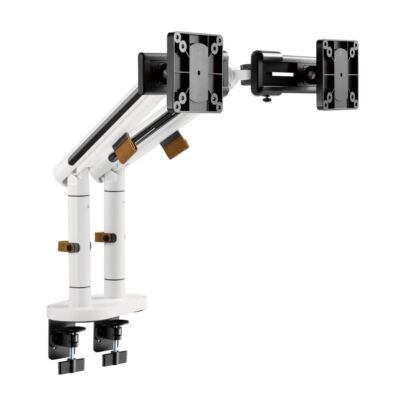
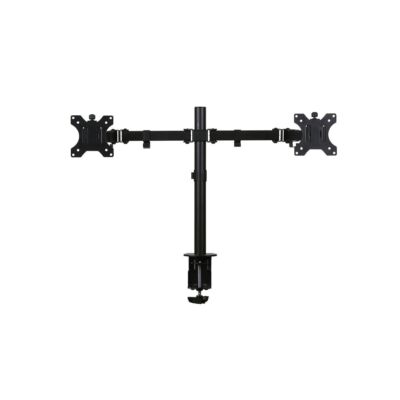
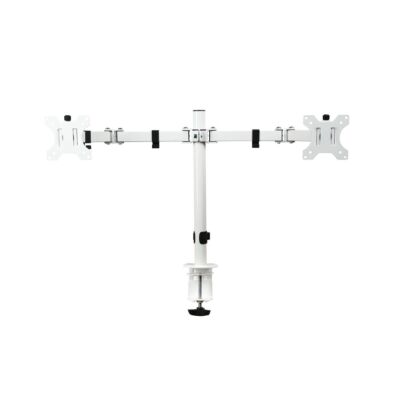
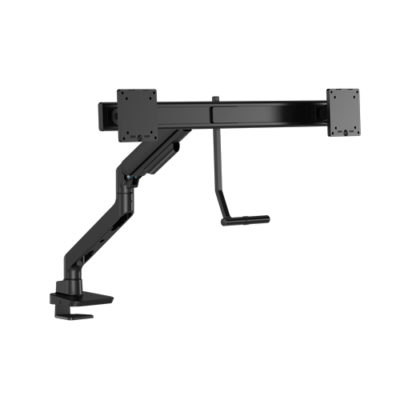
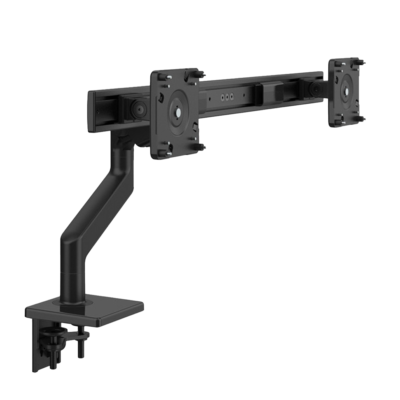
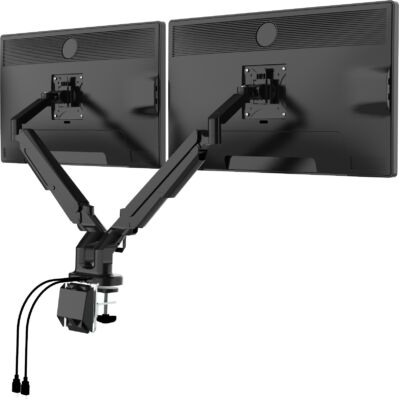
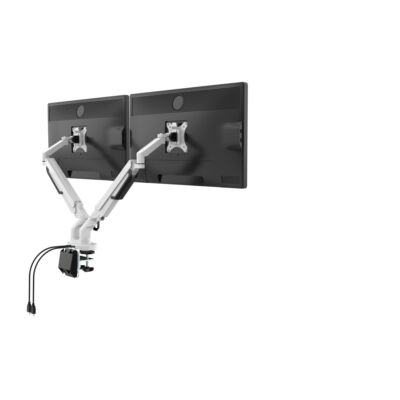
Are you looking for a way to optimize your workspace and make it ergonomically sound? The dual monitor arm from Ergo2Work offers the perfect solution! This monitor arm allows you to easily and flexibly position two screens, resulting in a comfortable and productive working posture. By setting up your workspace ergonomically, you reduce the risk of physical complaints and work in a healthier and more efficient way.
With the dual monitor arm from Ergo2Work, you enjoy a range of advantages that significantly enhance your work experience. This monitor arm is designed with ergonomics and health in mind and is suitable for virtually any type of desk. Thanks to the ability to adjust both screens independently, you can create the ideal viewing angle and help prevent neck and back discomfort. Its sleek, modern design fits perfectly into any work environment and contributes to a tidy and well-organized workspace.
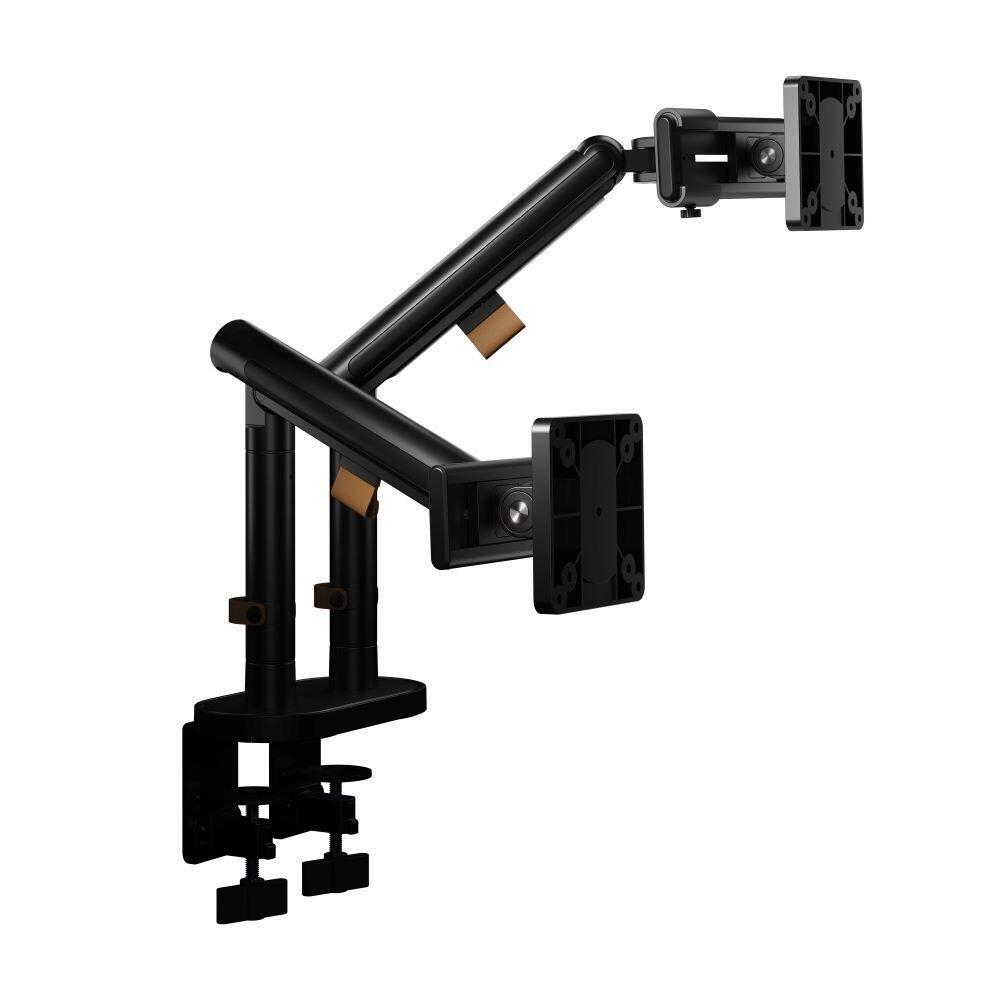
More and more professionals are working with a dual-monitor setup. With a monitor arm for two screens, you can position both displays at an ergonomically correct height and distance. This helps prevent constantly turning your neck or leaning forward. Not only does this improve your sitting posture, it also boosts productivity by enabling more efficient multitasking.
A monitor arm for two screens offers a lot of flexibility. You can tilt, rotate, and adjust each screen’s height individually, so they perfectly match your posture and preferences. Whether you want to use both screens side by side or in an angled setup, a dual monitor arm lets you arrange your workspace exactly the way you want.
By positioning the screens above the desk surface, you immediately create extra workspace on your desktop. This results in a clean and organized workstation. In addition, many models feature integrated cable management, keeping cables neatly out of sight. A dual monitor arm therefore contributes to both comfort and a professional look.
Imagine: no more cluttered desks, no more stiff neck or sore shoulders. With the dual monitor arm from Ergo2Work, everything is within reach and you can fully concentrate on your work. Thanks to high-quality materials and thoughtful design, this monitor arm guarantees stability and a long service life. In addition, the cable management system offers a neat solution for all cables, ensuring your workspace always looks professional.
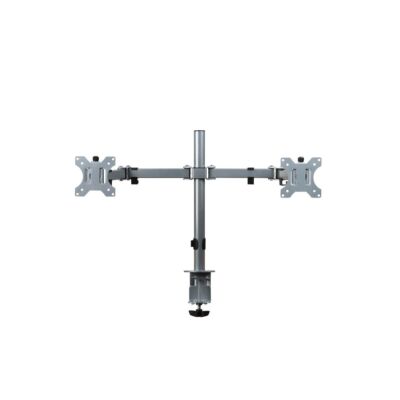
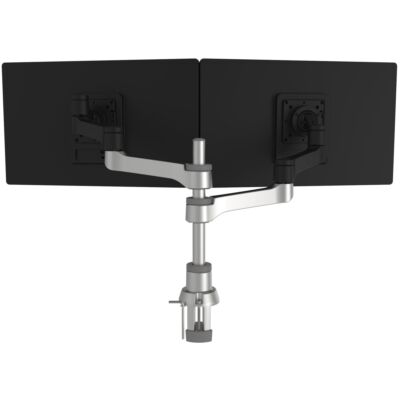
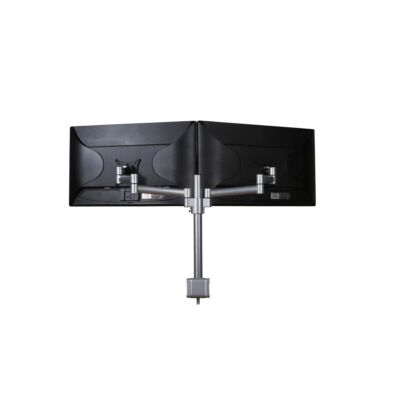
Don’t wait any longer—choose comfort and health in the workplace! Browse our wide range and check out our bestsellers such as the 27-inch dual monitor arm (Monitor Arm Classic Dual Silver) and the 24-inch dual monitor arm (Zepher Dual Monitor Arm). Order a dual monitor arm from Ergo2Work today and experience the benefits of an ergonomic workspace yourself. Also visit our other pages with single monitor arms and enjoy an improved working posture. Work more comfortably, efficiently, and healthily!
A dual monitor arm creates more space on your desk and helps you position both screens at the right height. This makes working more comfortable, with less strain on your neck and shoulders.
Secure the arm firmly using a clamp or grommet mount and make sure your desk is thick and stable enough. Then follow the manual step by step to ensure everything is properly tightened and your screens are safely supported.
Yes, as long as your screens have a VESA mount and the weight per screen is within the specifications. Always check the maximum supported weight and screen size (in inches) the arm can handle.
Yes, with most monitor arms you can rotate, tilt, and adjust each screen’s height separately. This is ideal if you mainly work on one screen directly in front of you and want the other slightly to the side.
This varies by model, but the total is usually between 8 and 16 kg. Also pay attention to the maximum weight per arm so you don’t accidentally overload one side.
In most cases, yes—provided your desk is sturdy enough and the edge isn’t too thick for the clamp. For a grommet mount, you’ll also need a hole in the desktop.
The most common VESA sizes are 75x75 and 100x100. Check the back of your monitor to make sure it’s compatible.
Place the screens at eye level and about an arm’s length away. If you use one screen most often, place it directly in front of you and position the second screen next to it at a slight angle.
A dual monitor arm often looks cleaner and takes up less space. Two separate arms can offer more freedom in positioning, especially if your screens need to be far apart.
Yes, many monitor arms include cable clips or cable channels so your cables run neatly along the arm. This keeps your desk tidy and prevents cables from getting in the way.









 ©1999 - 2026 - Ergo2Work