


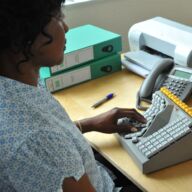
Who is this Maltron keyboard suitable for?
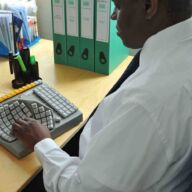
For people who use their computer exclusively or mainly with their left hand, for example due to an injury, amputation, paralysis or another physical limitation.
Maltron left-handed one-handed keyboard – QWERTZ (DE)
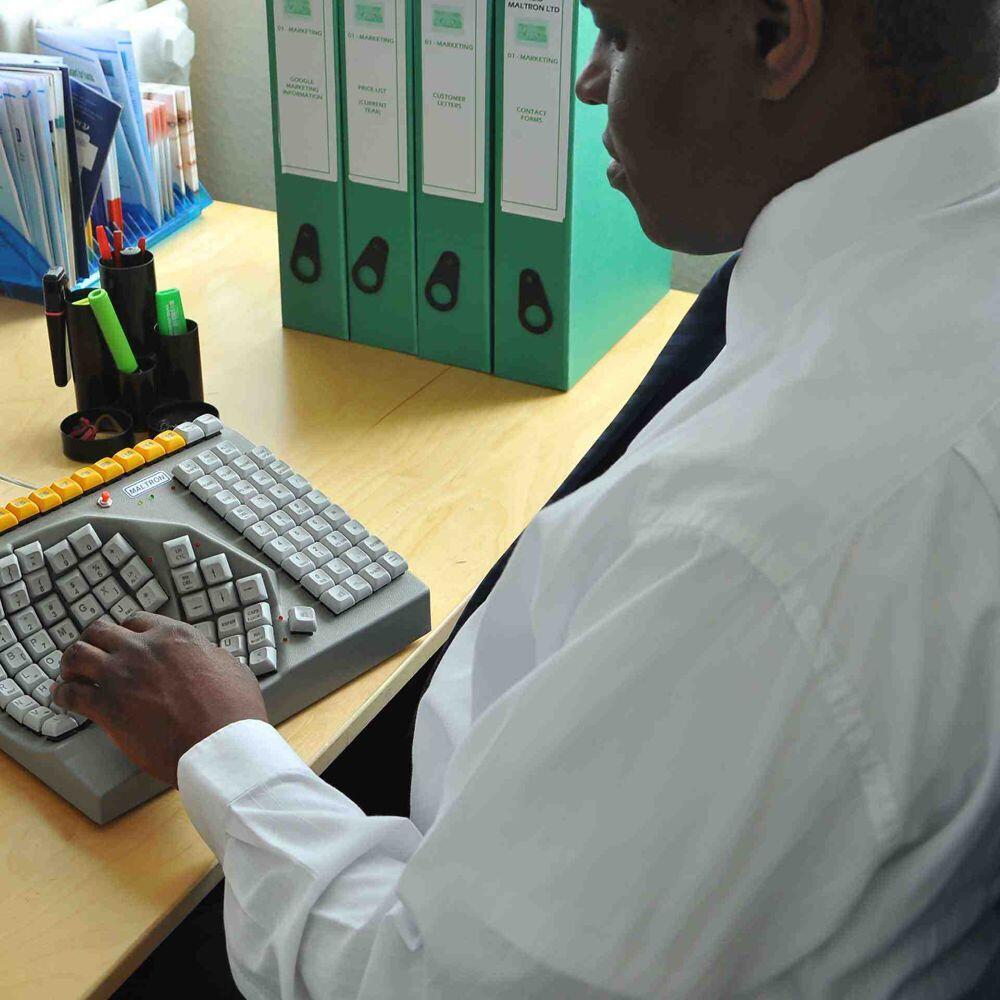
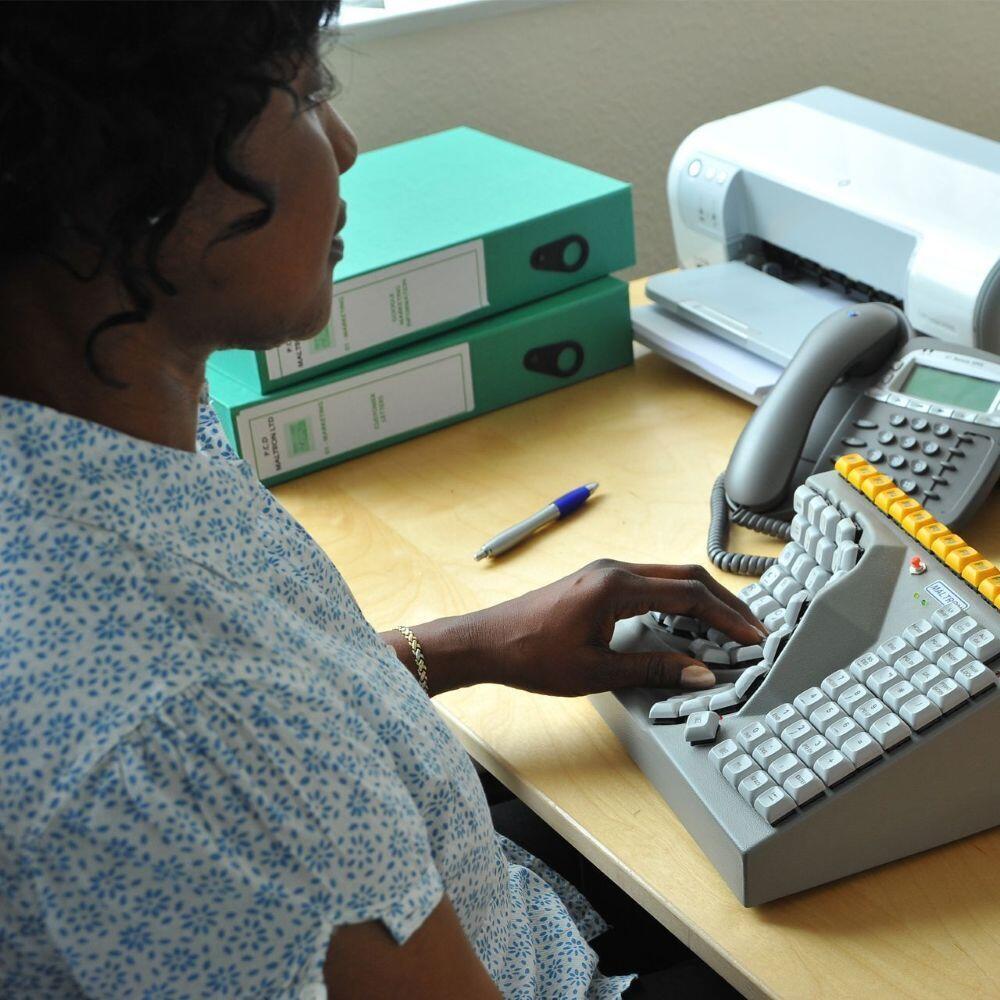
Het Maltron eenhandig toetsenbord linkshandig – QWERTZ (DE) is speciaal ontwikkeld voor gebruikers die alleen of voornamelijk met hun linkerhand typen. De ergonomische, komvormige toetsenindeling maakt letters, cijfers en functies met één hand bereikbaar en is voorzien van een Duitse QWERTZ-indeling.
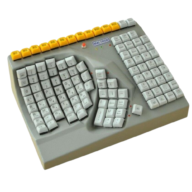
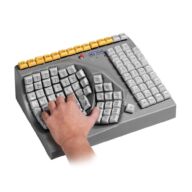
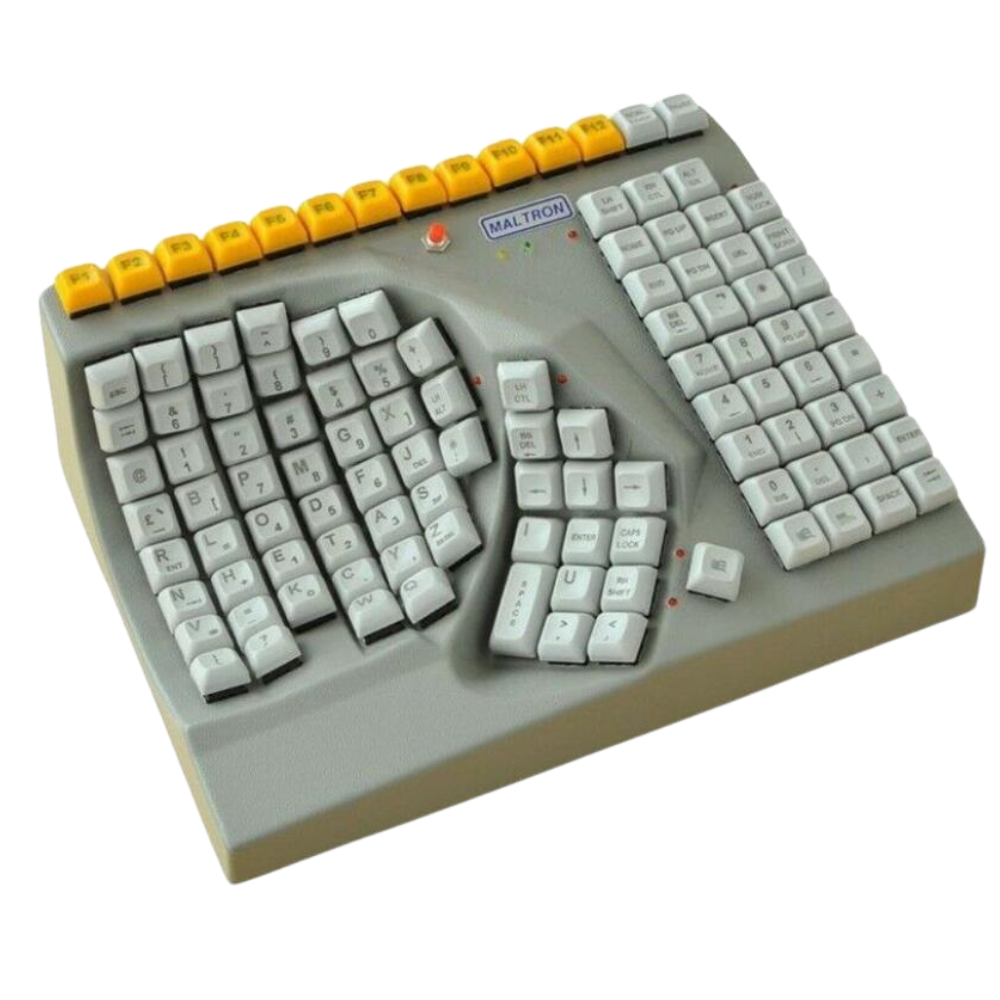
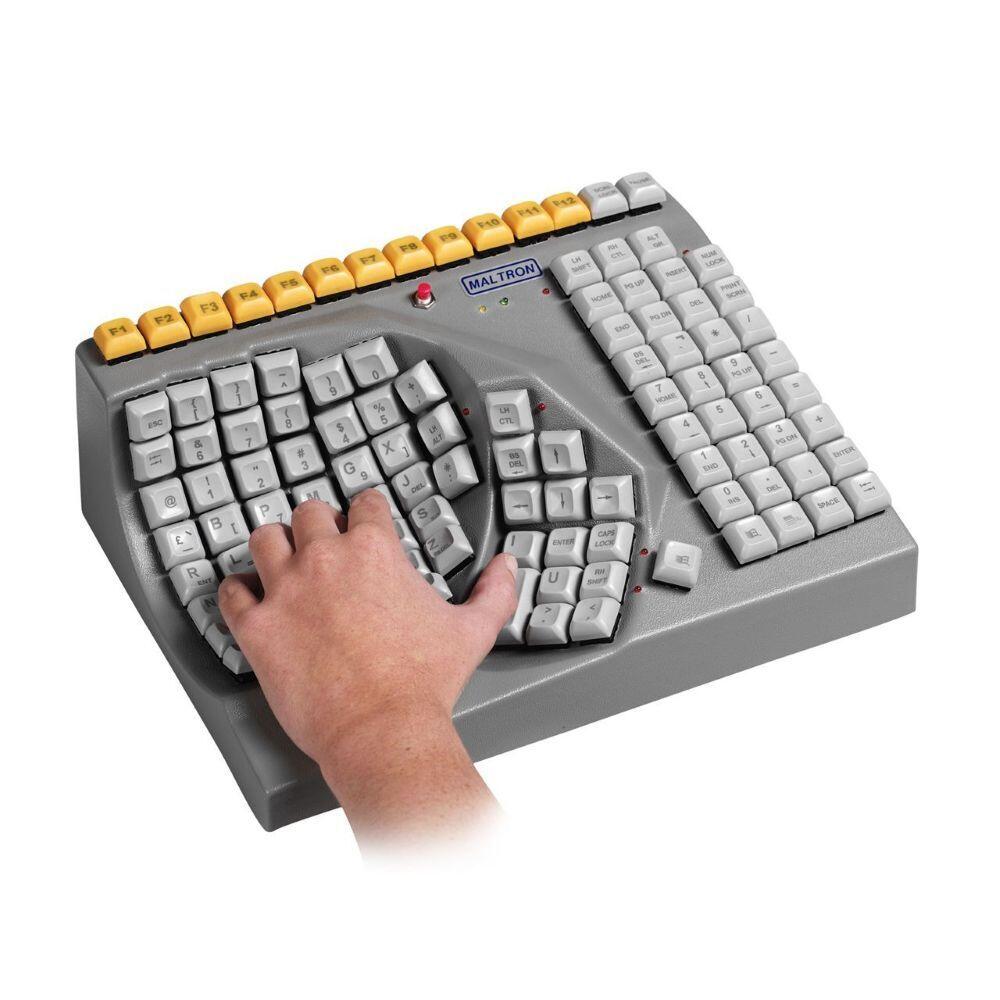
The Maltron left-handed one-handed keyboard – QWERTZ (DE) makes computer use possible when you can only or mainly use your left hand. The keys are positioned so that letters, numbers and frequently used functions can be reached with one hand.
Unlike a traditional flat keyboard, this model features a curved, concave key layout. The keys are arranged around the natural position of the left hand, reducing the need for large movements while typing.
A standard keyboard is designed for use with two hands. When the right hand or arm cannot be used, or can only be used to a limited extent, many keys and key combinations may be difficult to reach.
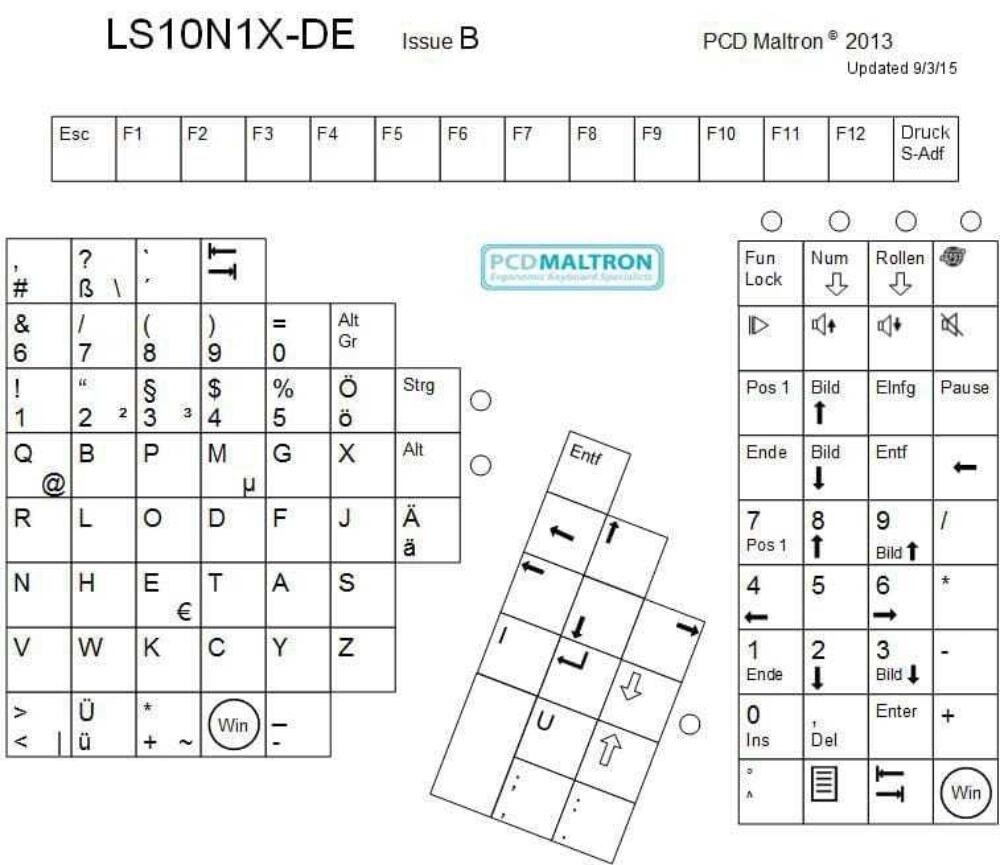
On this Maltron keyboard, the functions are combined in a layout specifically designed for left-handed operation. The keyboard includes letter keys, numbers, navigation keys, function keys and Windows keys.
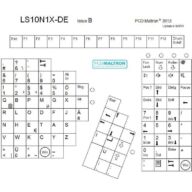
This version is designed for the German market and includes German characters such as Ä, Ö, Ü and ß. Due to the special one-handed Maltron layout, the position of the letters differs from that of a standard QWERTZ keyboard. The keyboard is suitable for writing German-language texts and for use in a German working environment.
The keyboard can be used for a wide range of tasks, including word processing, email, data entry, administration, study and everyday computer use.
Key combinations such as Shift with a letter or Ctrl with another key usually need to be pressed simultaneously on a standard keyboard. This can be difficult when using only one hand.
For this reason, the Shift, Ctrl and Alt keys on this Maltron keyboard feature a push-on/push-off function. First activate the function key and then press the second key. This means the keys do not need to be pressed at the same time.
The Maltron one-handed keyboard can be a suitable solution for people who cannot fully use their right hand or arm because of a physical limitation. This may be either a temporary or permanent situation.
Possible reasons include recovery after surgery, an injury to the hand or arm, neurological conditions, paralysis, amputation or a congenital physical disability. The keyboard can be used at home, in the office, during education or as part of a rehabilitation programme.
Occupational therapists, employers, rehabilitation professionals and workplace specialists can also consider this keyboard when assessing and setting up an adapted workstation.
Because the keys are arranged differently from those on a standard keyboard, an adjustment period is normal. At first, the focus is mainly on learning the key positions and pressing the correct keys accurately.
Regular short practice sessions can make operation feel increasingly familiar. Once the layout is better known, typing speed can be increased gradually. The amount of practice required varies from person to person.
For a comfortable working posture, the keyboard is not the only important factor. The position of the monitor, your sitting posture and the mouse you use also affect physical strain.
Combine the Maltron keyboard with an ergonomic mouse and a height-adjustable sit-stand desk.
Order the Maltron left-handed one-handed keyboard – QWERTZ (DE) from Ergo2Work. This specialised keyboard is designed for users who operate their computer with their left hand and use a German keyboard layout.
Do you need help choosing the correct version or setting up an adapted workstation? Contact us for personalised ergonomic advice.
Het Maltron eenhandig toetsenbord linkshandig – QWERTZ (DE) is speciaal ontwikkeld voor gebruikers die alleen of voornamelijk met hun linkerhand typen. De ergonomische, komvormige toetsenindeling maakt letters, cijfers en functies met één hand bereikbaar en is voorzien van een Duitse QWERTZ-indeling.
Looking for quantities? Complete your workspace and request a customized quote directly.
| Keyboard layout | QWERTZ (DE) |
| Version | Left-handed |
| Colour | Grey |
| Ergonomic design | Yes, concave 3D key layout |
| Connection | USB-A |
| Connectivity | Wired |
| Plug & Play | Yes |
| Compatibility | Windows and Mac |
| Special keys | Push-on/push-off for Shift, Ctrl and Alt |
| Windows key | Yes |
| Touch typing | Designed for one-handed touch typing |
| Width | 30 cm |
| Depth | 22.5 cm |
| Height | 12 cm |
| Weight | 0.8 kg |
| Cable length | Approx. 2 metres |
| Warranty | 12-month manufacturer’s warranty, extendable to 24 months after registration with Maltron |
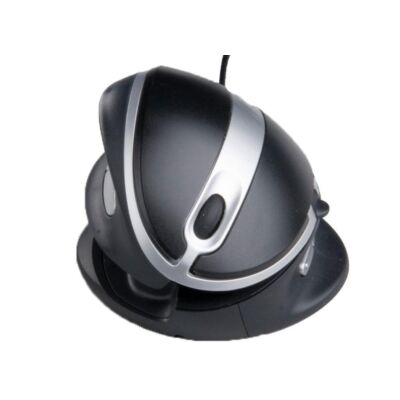 Ergonomic mouse OysterMouse Black/Silver Wired Right- and left-handed
Art.no.. 300.111
Ergonomic mouse OysterMouse Black/Silver Wired Right- and left-handed
Art.no.. 300.111
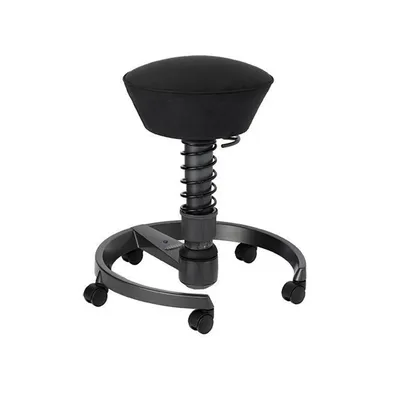 Swopper - Microfibre - Wheels - Black
Art.no.. 160.163
Swopper - Microfibre - Wheels - Black
Art.no.. 160.163
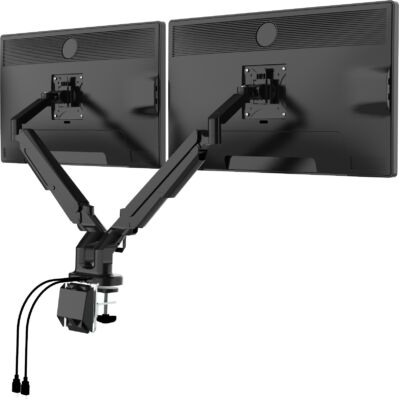 Monitor Arm Classic Dual Black
Art.no.. 500.182
Monitor Arm Classic Dual Black
Art.no.. 500.182
Easily request your personalized quote here. We will contact you within 1 business day.
You are requesting a quote for: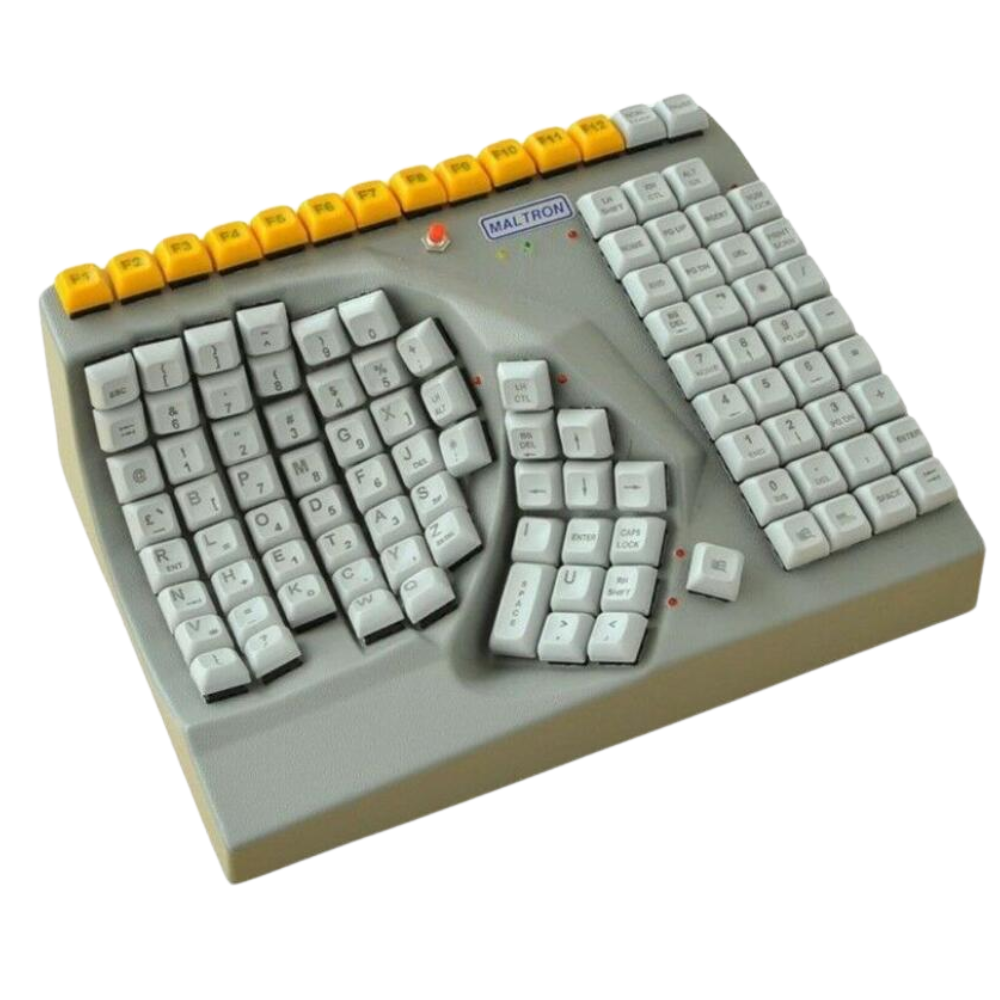 Maltron left-handed one-handed keyboard – QWERTZ (DE)
Maltron left-handed one-handed keyboard – QWERTZ (DE)









 ©1999 - 2026 - Ergo2Work